Free AI transcription tool
Audio to Text Converter with AI – Convert 5GB Audio Free
Convert audio recordings into clear text for notes, subtitles, summaries, and content reuse.
Upload or drag a video or audio here.
Max 5GB per video or audio, up to 5 tasks in queue.
Audio to Text Converter with AI – Convert 5GB Audio Free
Convert audio recordings into clear text for notes, subtitles, summaries, and content reuse.
What is AI Audio to Text Converter?
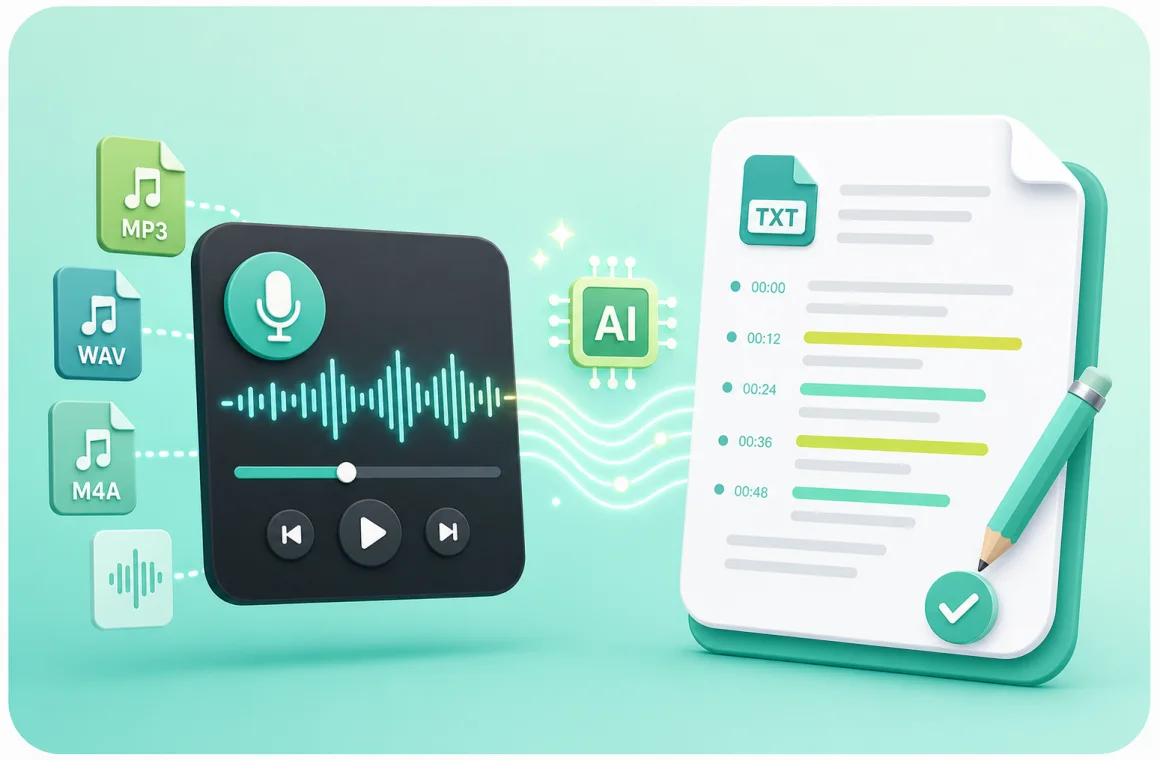
AI audio to text converter is an online service that turns spoken words into accurate written text within minutes. It can process podcasts, classes, interviews, meetings, and voice memos up to 5GB in size. After you upload your file, the system analyzes the sound, detects speakers, inserts timestamps, and delivers a clean transcript you can edit or download. It supports common formats like MP3, WAV, and M4A, requires no installation, and works entirely in your browser. This makes it a helpful tool for learners, journalists, creators, and anyone who needs fast, searchable notes from their recordings.
Why Choose Our AI Audio to Text Converter?
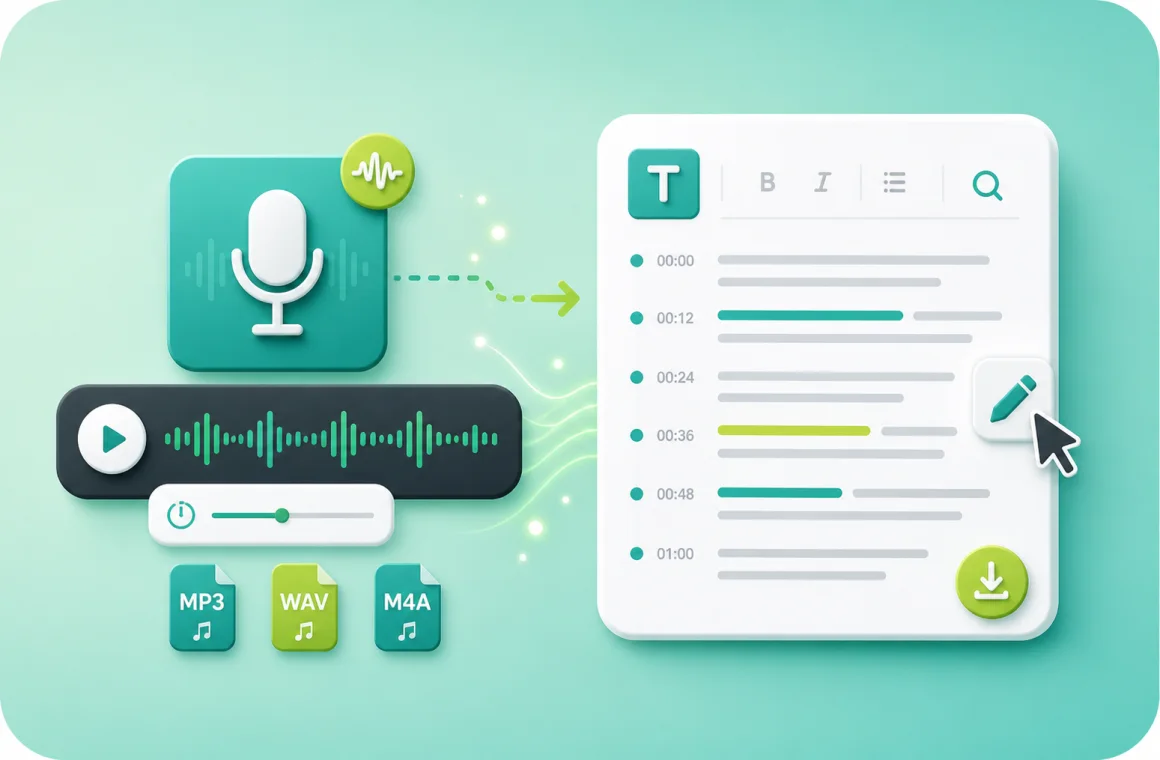
Many users rely on an AI audio to text converter because it improves the way they manage information. Instead of keeping scattered recordings that are hard to review, the audio to text converter turns every file into organized text that fits directly into notes, research, and project workflows. It helps users highlight key points, search important sections instantly, and reuse content for study guides, reports, and creative work. By giving structure to raw audio, the audio to text converter keeps your ideas accessible, clear, and ready for action—making it an essential tool for daily productivity.
Struggling to Turn Audio into Usable Text Quickly?
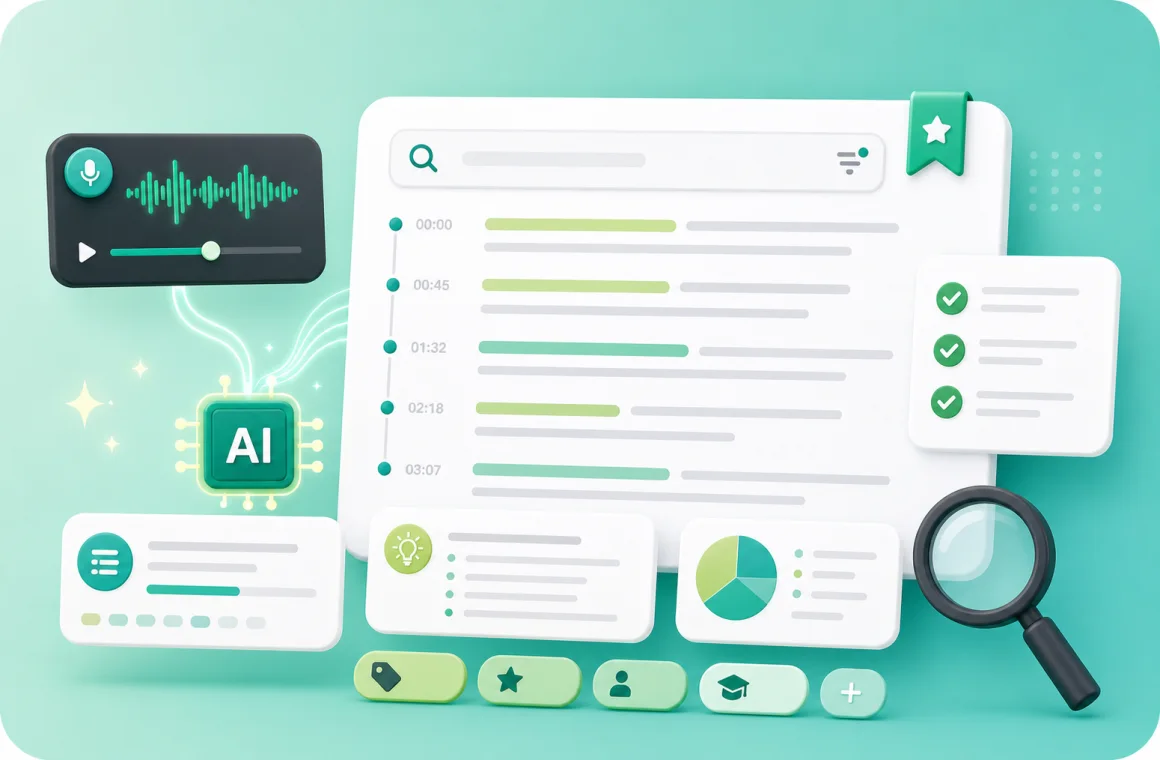
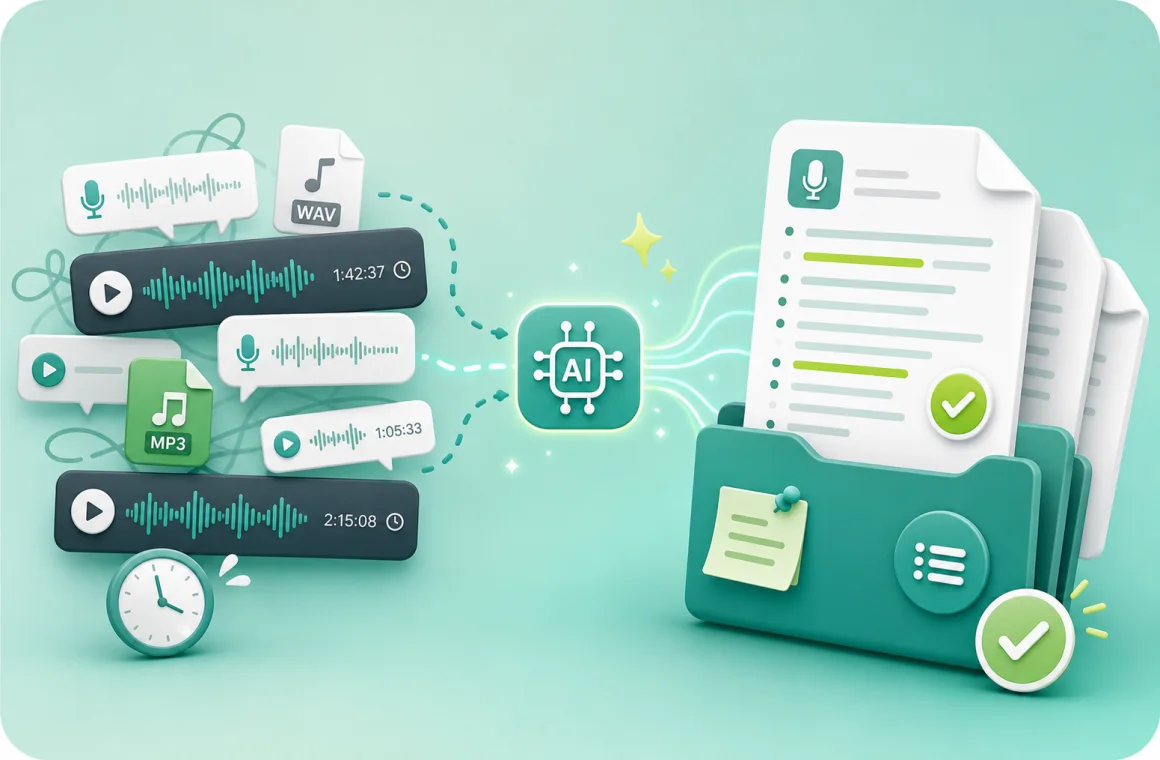
If you regularly have a dozen or more audio files to go through, listening to each one can be exhausting and time-consuming. Using an AI audio to text converter, you can instantly transform all your recordings into clear, editable transcripts. This lets you quickly scan key points, highlight important sections, and organize your notes efficiently, saving hours of repetitive work and freeing your energy for tasks that really matter.
What Makes the AI Audio to Text Converter Stand Out
Process Large Audio Files up to 5GB
Convert audio to text in files up to 5GB, including long meetings, lectures, podcasts, or interviews, all in one step, saving time and effort.
Support for Over 200 Languages
The AI audio to text converter can convert audio in over 200 languages, easily handling multiple or less common languages with high accuracy.
Work with Multiple File Formats
Convert MP3, WAV, M4A, and other common formats without extra software, keeping all your audio files compatible and ready for transcription.
How to Use the AI Audio to Text Converter in Three Simple Steps
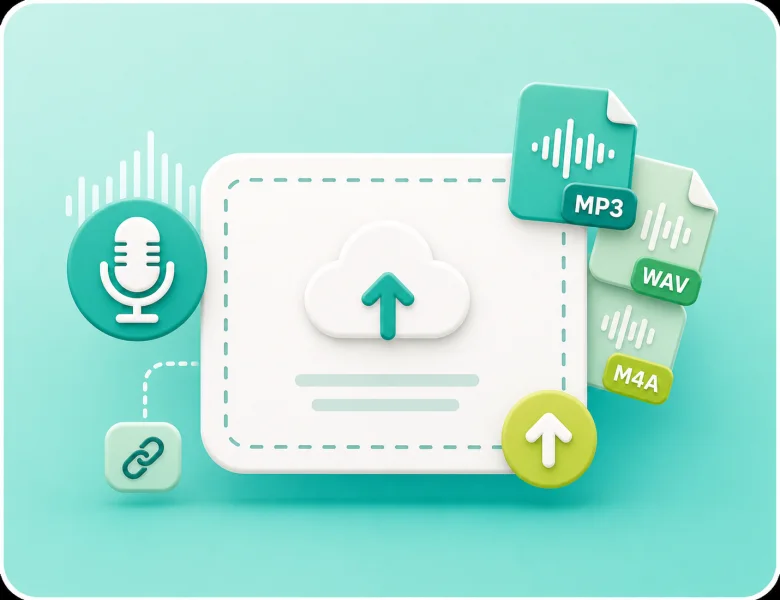
Step 1: Upload Your Audio File
Upload your audio file from your computer or provide an online link. The AI audio to text converter supports multiple formats and large files, letting you start the transcription process quickly.
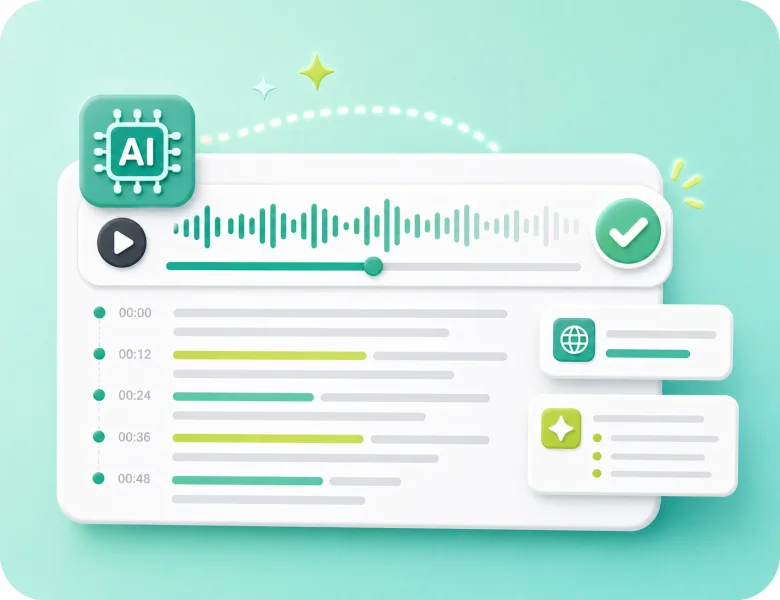
Step 2: Let the AI Convert Audio to Text
The AI automatically processes your audio, creating a transcript with timestamps and intelligent summaries. If needed, you can also choose to translate the text during the conversion process.
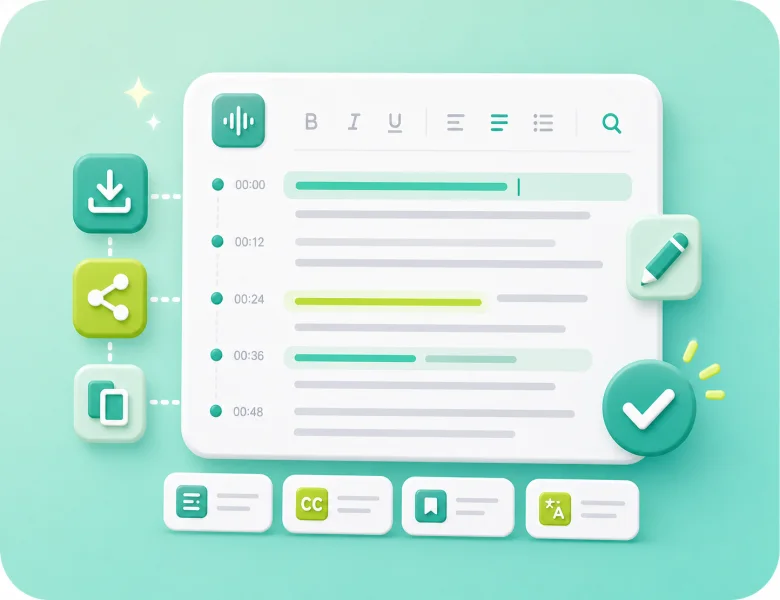
Step 3: Review and Reuse the Text
Check the transcript for accuracy and make edits if necessary. You can export the text, organize it into notes, create subtitles, or use it for other content creation purposes.
Ready to Convert Audio to Text Free in Minutes?
Convert large audio files up to 5GB in minutes with our AI audio to text converter, and get accurate, editable transcripts without hours of manual typing.
Struggling to Turn Audio into Usable Text Quickly?
If you regularly have a dozen or more audio files to go through, listening to each one can be exhausting and time-consuming. Using an AI audio to text converter, you can instantly transform all your recordings into clear, editable transcripts. This lets you quickly scan key points, highlight important sections, and organize your notes efficiently, saving hours of repetitive work and freeing your energy for tasks that really matter.
Students and learners
Video Transcriber AI helps students turn lectures or online courses into study notes. It makes long lessons easier to review and share with classmates.
Teachers and trainers
Educators can transcribe video to text for lesson plans, handouts, or captions, making learning materials more accessible for every student.
Professionals and teams
Business users can use Video Transcriber AI to capture meetings, Zoom calls, and webinars, ensuring nothing important is lost.
Content creators
YouTubers, podcasters, and video makers can quickly create captions or scripts. Video Transcriber makes it easier to repurpose video into blogs or posts.
Researchers and writers
Academics and writers can save hours by converting interviews or recorded talks into accurate text, ready for analysis or citation.
Journalists and media workers
Reporters can transcribe video interviews or press conferences with Video Transcriber AI, making it easier to publish fast and accurate stories.
Frequently Asked Questions About the AI Audio to Text Converter
Can I convert audio from my smartphone or tablet?
Yes, you can upload recordings from any device to the AI audio to text converter. Simply select the audio file from your phone or tablet, and the tool will generate an accurate, editable transcript quickly.
What audio formats are supported for conversion?
The AI audio to text converter supports MP3, WAV, M4A, and other common audio formats. You can convert recordings from lectures, meetings, or podcasts without needing to change the file type.
Is the AI audio to text converter secure?
Yes, all audio files are processed securely. The tool ensures your recordings are protected while converting audio to text, giving you peace of mind when handling your own content.
Can I search through the generated transcripts?
Yes, once your audio is converted to text, you can easily search for keywords or phrases in the transcript. The AI audio to text converter makes reviewing and organizing content simple and efficient.
Can I export the transcripts to different formats?
Yes, after converting audio to text, you can export the transcripts in formats like TXT, SRT, or DOCX. The AI audio to text converter makes it easy to save and share your content.
Does the tool provide timestamps in the transcripts?
Yes, the AI audio to text converter automatically adds timestamps to the transcript. This helps you quickly locate sections of interest and review audio content efficiently.
Can I summarize long audio recordings automatically?
The AI audio to text converter allow you to generate smart summaries from long recordings. This makes it easier to grasp key points without reading the entire transcript.
Can I translate transcripts to another language?
Yes, after converting audio to text, you can use built-in translation features to convert your transcripts into other languages. This is helpful for international meetings, lectures, or global content projects.