Free AI transcription tool
Free YouTube Transcript Generator – Fast, Accurate & Editable
Paste a YouTube link and create an editable transcript even when native captions are missing.
Upload or drag a video or audio here.
Max 5GB per video or audio, up to 5 tasks in queue.
Free YouTube Transcript Generator – Fast, Accurate & Editable
Paste a YouTube link and create an editable transcript even when native captions are missing.
What is YouTube Transcript Generator?
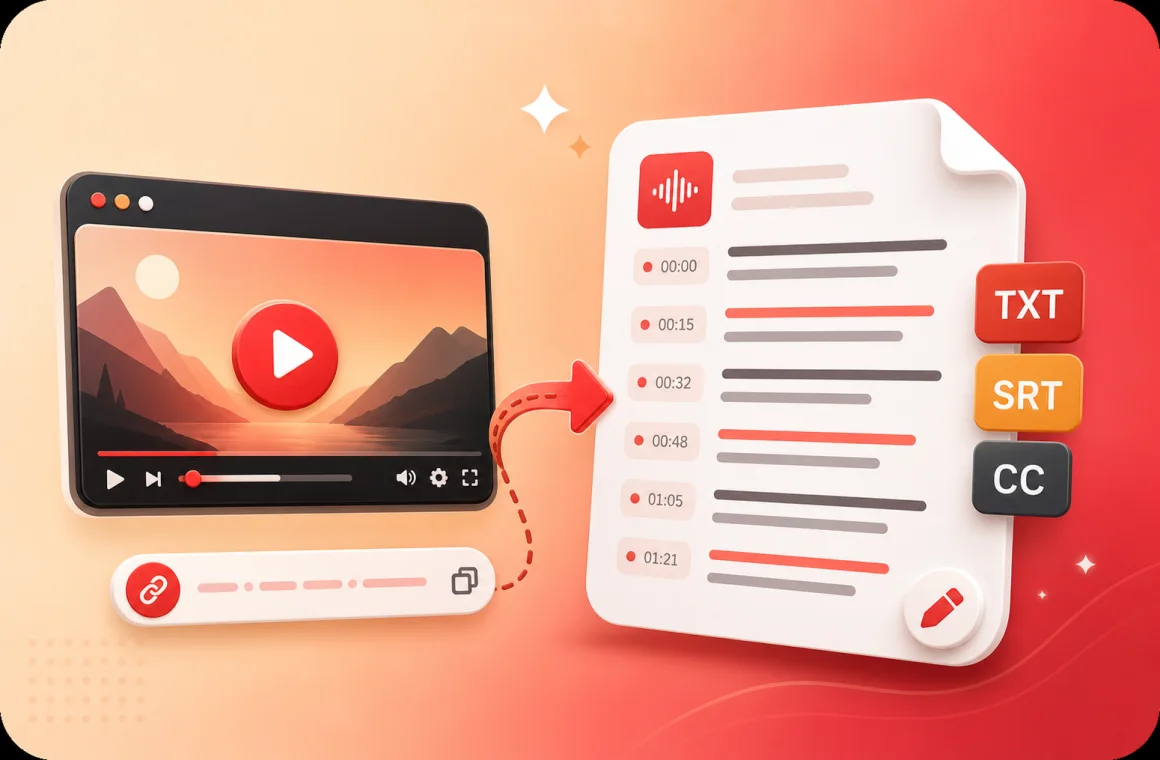
YouTube Transcript Generator is a simple tool that turns any YouTube video into readable text in seconds. Just paste a video link, and it quickly creates an accurate transcript with timestamps. Perfect for studying, quoting, summarizing, or turning video content into blogs, subtitles, and searchable notes — no manual typing needed.
Why Choose YouTube Transcript Generator?
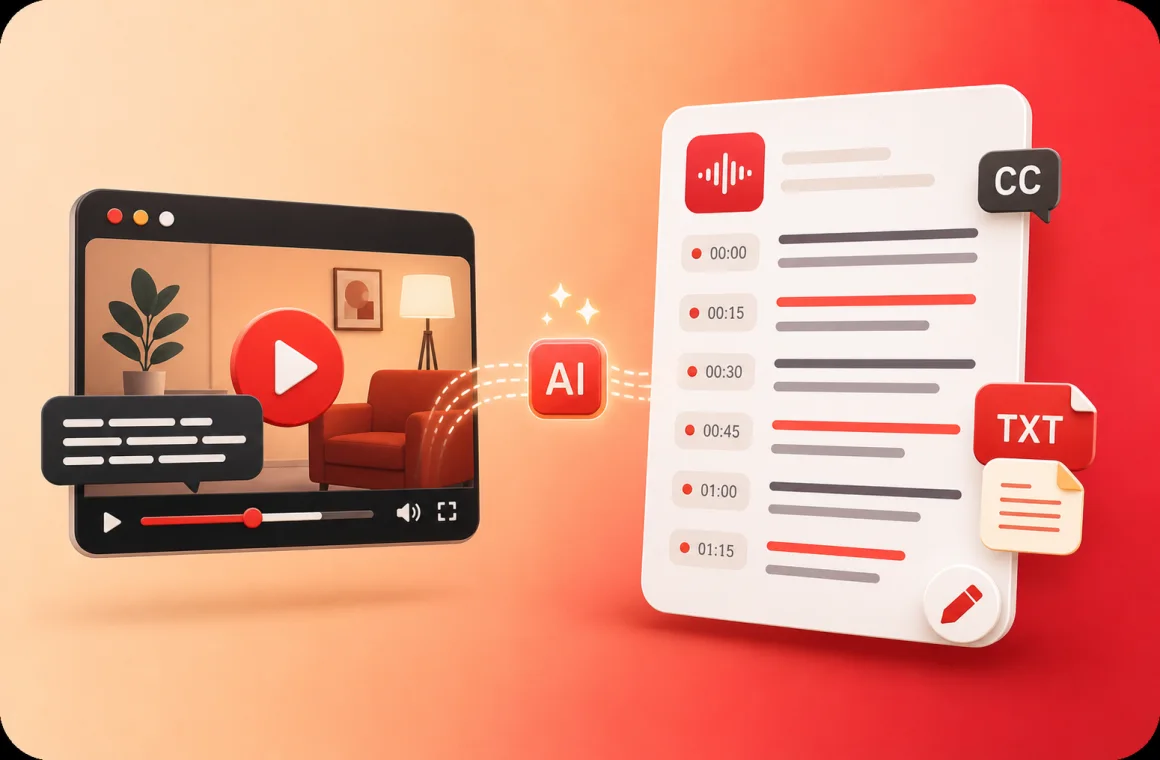
YouTube Transcript Generator is recommended for anyone who wants to capture video content quickly and clearly. It helps you review key ideas without rewatching long videos, organize your learning materials, and extract insights for blogs or projects. With multi-language support, timestamped text, and quick export options, it turns video understanding into a smooth, productive experience.
Struggling to Get Accurate YouTube Video Transcripts?
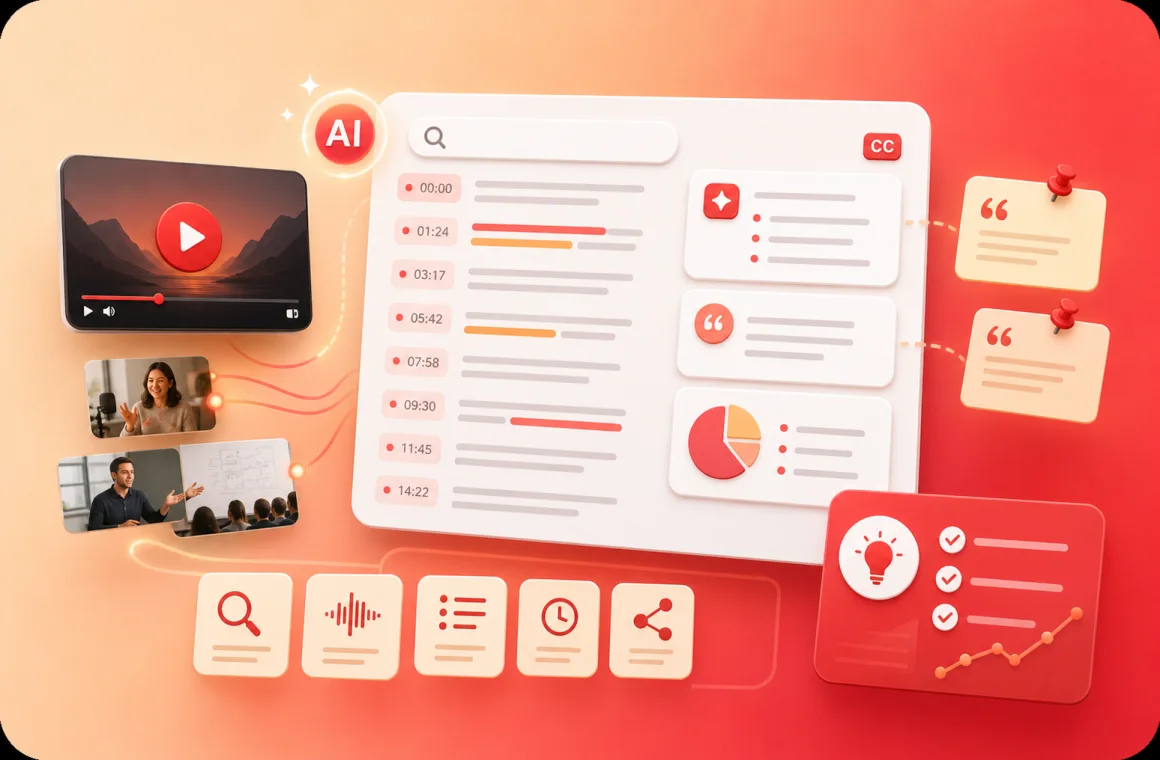
Many users spend hours replaying videos just to understand or quote a few lines, but without a YouTube Transcript Generator, it’s easy to miss important details. Traditional methods make it hard to extract or reuse content efficiently. This tool transforms videos into well-structured text, giving learners and creators instant access to every word and idea.
What Makes YouTube Transcript Generator Stand Out
Transcribe YouTube Videos Without Subtitles
Even videos without captions can be converted into readable text using YouTube Transcript Generator. This feature ensures all spoken content is captured, helping users create accurate notes, study guides, or blog drafts effortlessly.
Generate Timestamped Transcripts
YouTube Transcript Generator provides transcripts with clear timestamps, making it easy to locate specific sections. Perfect for referencing, editing, or extracting information for research, content creation, or subtitles.
Free and Easy to Use
YouTube Transcript Generator is completely free and works online without downloads or sign-ups. Its intuitive interface allows anyone to convert YouTube videos into text, summaries, or notes quickly.
How to Use YouTube Transcript Generator in 3 Easy Steps
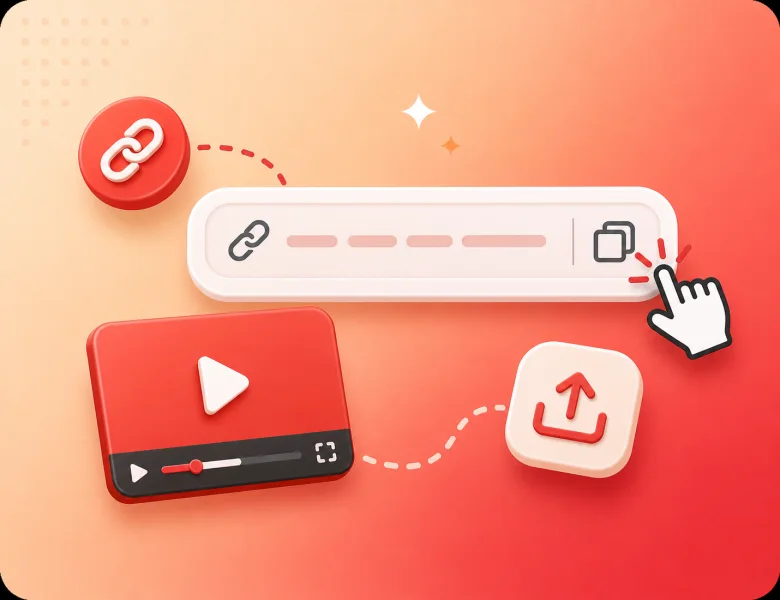
Step 1: Paste Your YouTube Video Link
Copy the URL of the YouTube video you want to transcribe and paste it into the tool. YouTube Transcript Generator supports all public videos, making it easy to start the transcription process instantly.
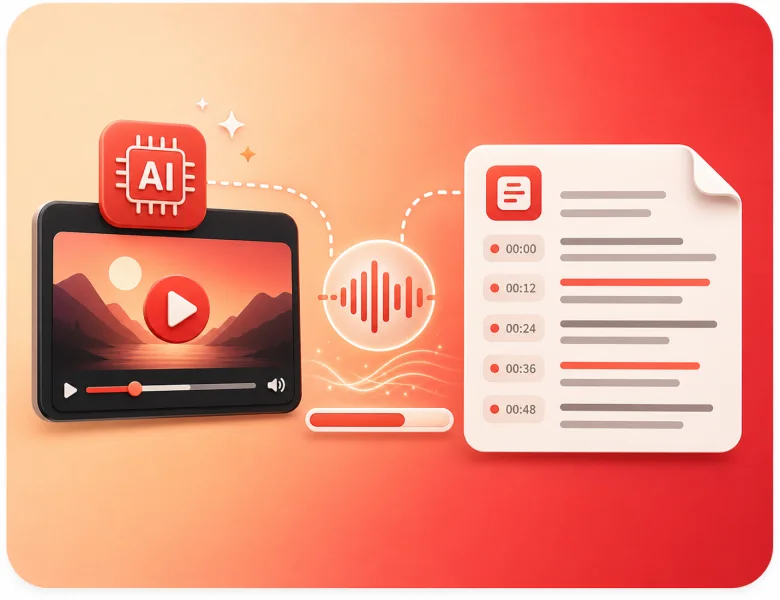
Step 2: Let AI Transcribe the Video
Let the AI automatically convert the YouTube video into written text. The tool produces a clear, readable transcript, capturing every spoken word and including timestamps for easy reference. It can also produce a concise summary highlighting the main points.
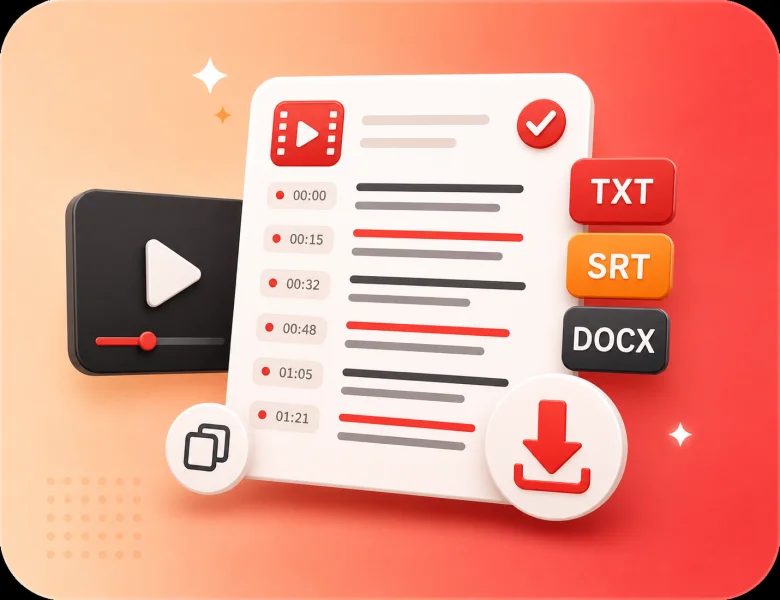
Step 3: Download Your Transcript
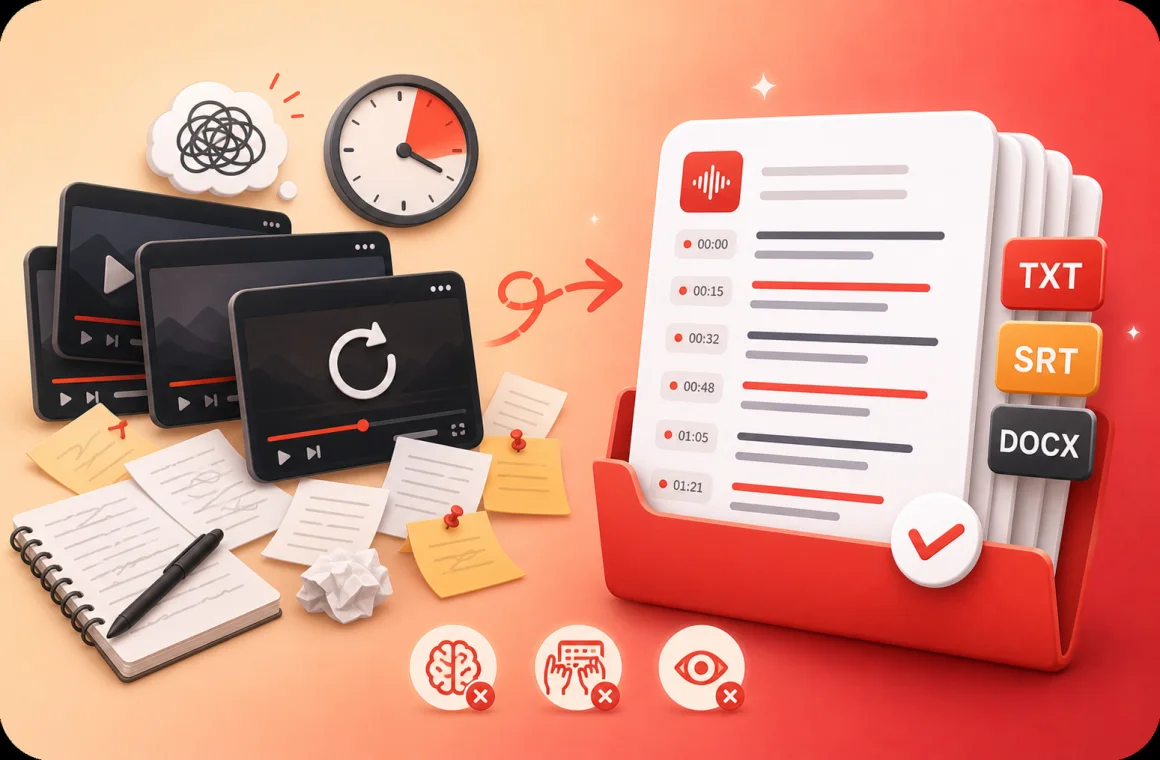
Once transcription is complete, you can download the text in different formats such as TXT, SRT, or DOCX. YouTube Transcript Generator makes it simple to save and reuse your transcripts for any purpose.
Struggling to Get Accurate YouTube Video Transcripts?
Many users spend hours replaying videos just to understand or quote a few lines, but without a YouTube Transcript Generator, it’s easy to miss important details. Traditional methods make it hard to extract or reuse content efficiently. This tool transforms videos into well-structured text, giving learners and creators instant access to every word and idea.
Students and learners
Video Transcriber AI helps students turn lectures or online courses into study notes. It makes long lessons easier to review and share with classmates.
Teachers and trainers
Educators can transcribe video to text for lesson plans, handouts, or captions, making learning materials more accessible for every student.
Professionals and teams
Business users can use Video Transcriber AI to capture meetings, Zoom calls, and webinars, ensuring nothing important is lost.
Content creators
YouTubers, podcasters, and video makers can quickly create captions or scripts. Video Transcriber makes it easier to repurpose video into blogs or posts.
Researchers and writers
Academics and writers can save hours by converting interviews or recorded talks into accurate text, ready for analysis or citation.
Journalists and media workers
Reporters can transcribe video interviews or press conferences with Video Transcriber AI, making it easier to publish fast and accurate stories.
Frequently Asked Questions About YouTube Transcript Generator
Is YouTube Transcript Generator free to use?
Yes, YouTube Transcript Generator is completely free online. Users can create transcripts, generate summaries, and get timestamped text without downloads or sign-ups.
Can I transcribe YouTube videos without captions using this tool?
Yes, YouTube Transcript Generator works for YouTube videos without captions. The AI generates readable transcripts and summaries directly, allowing users to convert any YouTube video into text for notes or content projects.
What formats can I download the transcripts in?
YouTube Transcript Generator lets users download transcripts in TXT, DOCX, and SRT formats. This makes it easy to reuse the text while keeping timestamps intact.
How accurate are the transcripts generated by YouTube Transcript Generator?
The tool provides highly accurate transcripts with timestamps, achieving up to 99% accuracy. Users can review and check the text if needed, especially for technical terms, ensuring clear and reliable content.
Can YouTube Transcript Generator create summaries of videos?
Yes, it generates concise summaries from transcripts, highlighting key points to help users quickly understand video content.
Does it support multiple languages or accents?
Yes, YouTube Transcript Generator supports multiple languages and accurately recognizes different accents, making it easy to convert videos into readable text.
Do I need to install software to use YouTube Transcript Generator?
No installation is needed. The tool works online—paste the YouTube link, click to transcribe, and get transcripts with timestamps and summaries on any device.
Can YouTube Transcript Generator handle long YouTube videos?
Yes, it handles long videos efficiently. YouTube Transcript Generator produces accurate transcripts with timestamps and summaries, which can be downloaded for study, research, or content creation.