Free AI transcription tool
Free Video to Text Converter with AI – Fast, No Sign-Up
Convert large or multiple videos to text instantly with our free AI Video to Text Converter. Works online, no login required, and outputs editable transcripts.
Upload or drag a video or audio here.
Max 5GB per video or audio, up to 5 tasks in queue.
Free Video to Text Converter with AI – Fast, No Sign-Up
Convert large or multiple videos to text instantly with our free AI Video to Text Converter. Works online, no login required, and outputs editable transcripts.
What is Video to Text?
Video to Text converts videos into editable text using AI. It lets you transcribe large or multiple files online for free, with no login required. Batch processing and instant output make it perfect for creators, students, and teams.
Why Video to Text Is Recommended?
Video to Text is recommended because it addresses common challenges in managing video content. Many creators, educators, and teams spend too much time manually transcribing long or multiple videos. This AI-powered tool converts videos into editable text online, supports fast batch transcription, and delivers transcripts ready for notes, subtitles, or content reuse.
Tired of Listening to Long or Multiple Videos for Transcription?
Manually listening to long or multiple videos to extract content is time-consuming, tiring, and prone to mistakes. Video to Text tools powered by AI solve this by quickly converting videos into editable text, enabling fast batch transcription, reducing listening fatigue, and saving hours of work.
What Makes Our Video to Text Tool Stand Out?
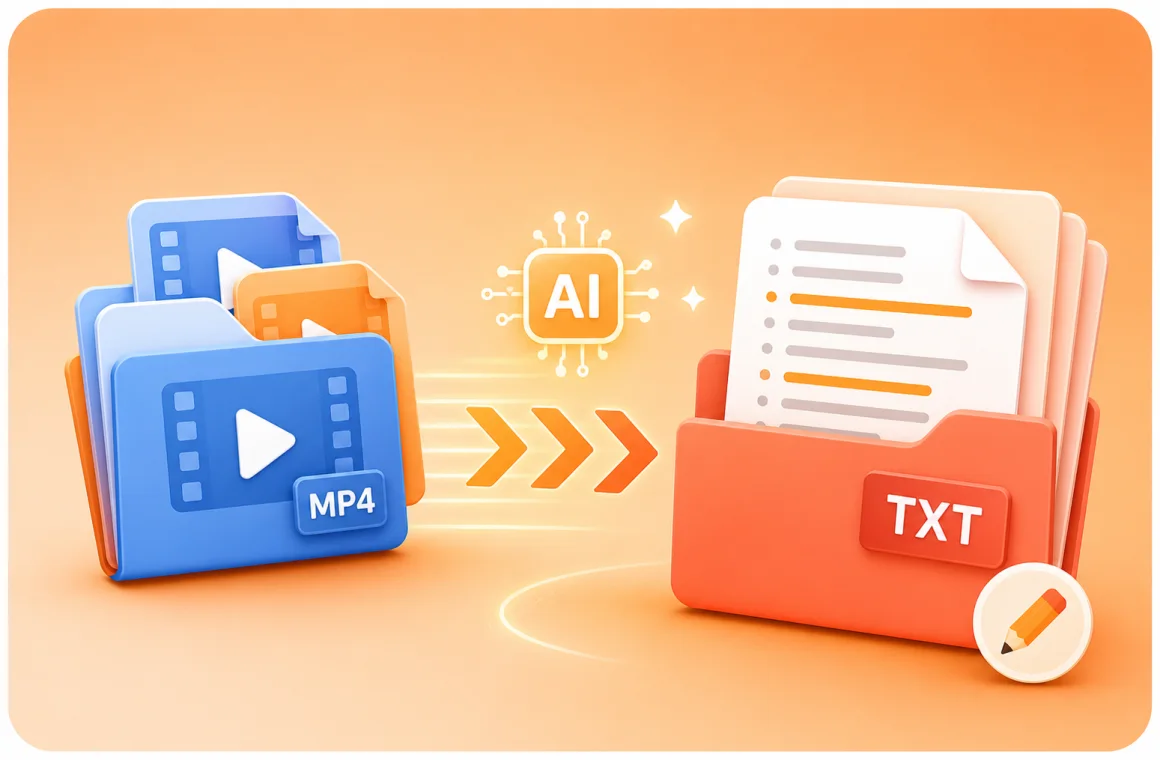
Our AI Video to Text tool combines speed, accuracy, and convenience — letting you transcribe, download, and use text freely without any login or cost.
Batch Transcription
Upload and transcribe multiple videos at once with our AI Video to Text tool. It accurately converts long or multiple files into text, saving hours of manual work and improving productivity.
Downloadable Transcripts
Easily download and edit your transcripts after conversion. Whether for subtitles, study materials, or content reuse, the text is clean, structured, and ready to apply anywhere.
Free & No Login Required
Access our free Video to Text converter anytime. No account needed, no limits — simply upload your video, get accurate transcription results in seconds, and start editing right away.
How to Use the Video to Text Tool in 3 Easy Steps
Follow these three easy steps to use the AI Video to Text Converter. Upload videos, let AI transcribe automatically, and download editable text in minutes for your projects or notes.
Step 1: Upload Your Video Files
Choose one or several video files to upload. The tool supports large files and batch processing, allowing you to transcribe multiple videos in a single session.
Step 2: Convert Video to Text with AI
After uploading, the AI starts converting speech into text automatically. It processes each file efficiently and delivers well-formatted transcripts in just a short time.
Step 3: Download & Edit Your Transcript
When the transcription is complete, download your text file for editing. You can refine, organize, or reuse the content for captions, notes, or documentation.
Tired of Listening to Long or Multiple Videos for Transcription?
Manually listening to long or multiple videos to extract content is time-consuming, tiring, and prone to mistakes. Video to Text tools powered by AI solve this by quickly converting videos into editable text, enabling fast batch transcription, reducing listening fatigue, and saving hours of work.
Students and learners
Video Transcriber AI helps students turn lectures or online courses into study notes. It makes long lessons easier to review and share with classmates.
Teachers and trainers
Educators can transcribe video to text for lesson plans, handouts, or captions, making learning materials more accessible for every student.
Professionals and teams
Business users can use Video Transcriber AI to capture meetings, Zoom calls, and webinars, ensuring nothing important is lost.
Content creators
YouTubers, podcasters, and video makers can quickly create captions or scripts. Video Transcriber makes it easier to repurpose video into blogs or posts.
Researchers and writers
Academics and writers can save hours by converting interviews or recorded talks into accurate text, ready for analysis or citation.
Journalists and media workers
Reporters can transcribe video interviews or press conferences with Video Transcriber AI, making it easier to publish fast and accurate stories.
Frequently Asked Questions About Video to Text
Can I transcribe multiple videos at once?
Yes, the Video to Text tools support batch transcription. You can upload several videos, and the AI will process them simultaneously, saving time compared to manual transcription.
Do I need to create an account to use the tool?
No account is required. You can upload your videos and receive editable transcripts directly, allowing quick access to Video to Text conversion without registration.
What video formats are supported?
The Video to Text tools support formats like MP4, WEBM, WAV and more.
How long does it take to transcribe a video?
The transcription time depends on the video length and file size. Typically, AI Video to Text tools process short videos in seconds and longer videos in minutes.
Can the transcripts be edited after conversion?
Yes, after converting videos to text, you can download the transcripts and edit them freely. This allows you to correct errors, add notes, or reorganize content efficiently while keeping all text accurate and ready for reuse.
Can I use the tool for long videos over 1 hour?
Yes, AI-powered Video to Text converters can handle long videos, even several hours in length, processing them efficiently and accurately.
Do I need special software to use this tool?
No special software is required. The Video to Text tools operate within a web browser, allowing you to upload video files and receive editable transcripts without installing additional applications.
Can I download the transcripts?
Yes, once the AI transcribes your videos, you can download the text files in formats such as TXT and SRT, enabling you to review, edit, and reuse the content as needed.