Free AI transcription tool
Free AI Meeting Note Taker – Summarize Meeting to Notes Online
Upload meeting recordings and turn long conversations into transcripts, summaries, and action items.
Upload or drag a video or audio here.
Max 5GB per video or audio, up to 5 tasks in queue.
Free AI Meeting Note Taker – Summarize Meeting to Notes Online
Upload meeting recordings and turn long conversations into transcripts, summaries, and action items.
What is AI Meeting Note Taker?
AI Meeting Note Taker is a smart online tool that uses AI to automatically summarize meetings. It can convert hours-long meeting recordings into clear, structured notes, allowing you to quickly understand key points, decisions, and action items within minutes, saving time and improving efficiency.
Why Choose AI Meeting Note Taker?
AI Meeting Note Taker stands out by identifying speakers, adding timestamps to transcribed text, and generating smart summaries automatically. Users can export notes in multiple formats that are ready to use, saving hours of manual work, improving meeting follow-ups, and making collaboration more efficient.
Struggling to Keep Track of Long Meeting Discussions?
Imagine having an intelligent AI assistant that organizes all your meeting recordings into clear, structured notes. Instead of spending hours reviewing videos and scribbling key points, AI Meeting Note Taker automatically highlights decisions, summarizes discussions, and tracks action items. It helps you stay on top of every meeting, quickly grasp essential information, and focus on what truly matters.
What Makes AI Meeting Note Taker Stand Out
Automatic Summaries for Long Meetings
Generate concise summaries from hours of meeting videos. AI highlights decisions and key points, helping users understand content fast without watching the entire recording.
Speaker Recognition with Timestamps
Identify speakers and add timestamps to transcribed text. This feature makes it easy to track who said what and reference specific moments efficiently.
Multi-Language Translation
AI Meeting Note Taker can translate notes into multiple languages. Teams across different regions can access structured, clear notes in their preferred language, improving collaboration and keeping everyone aligned.
How to Use AI Meeting Note Taker in 3 Easy Steps
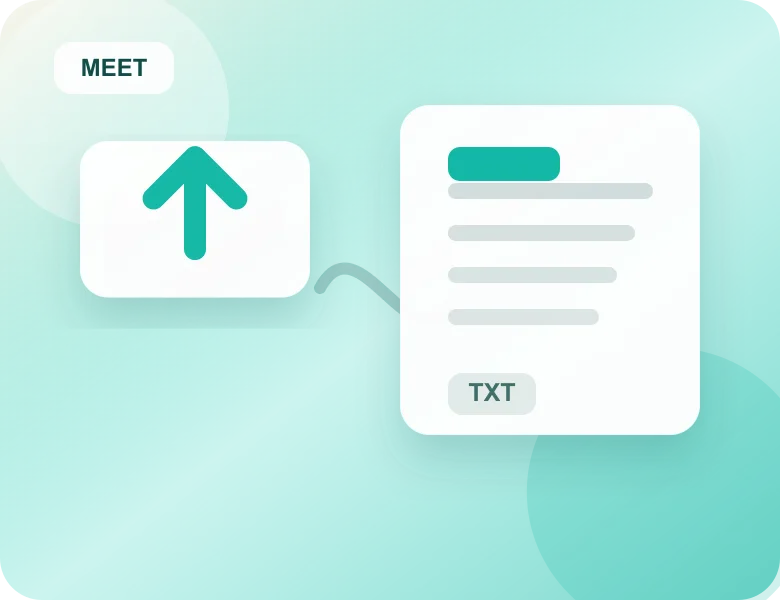
Step 1: Upload Your Meeting Video
Start by selecting the video file of your meeting. AI Meeting Note Taker supports common formats and large files, so you can upload hours-long recordings with just a click.
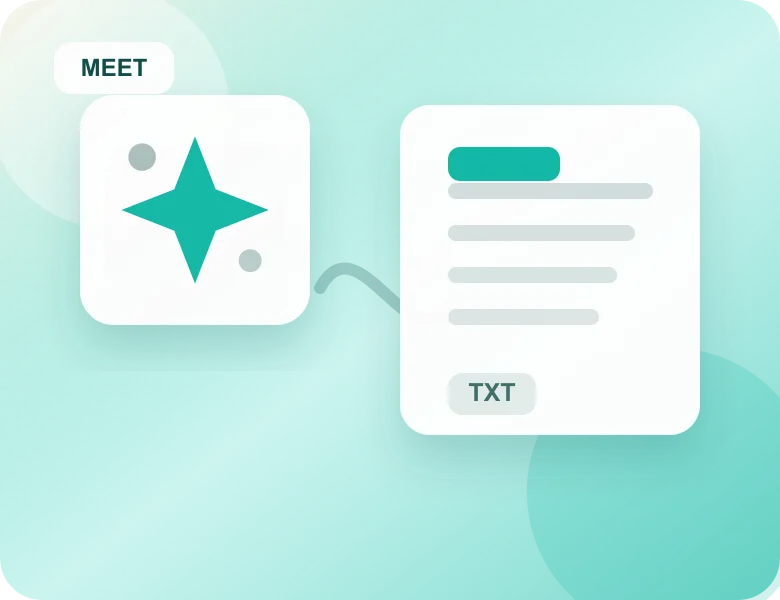
Step 2: Generate AI Summaries
Once uploaded, the AI automatically analyzes the video, identifies speakers, and summarizes key points. Your meeting is transformed into clear, organized notes in minutes.
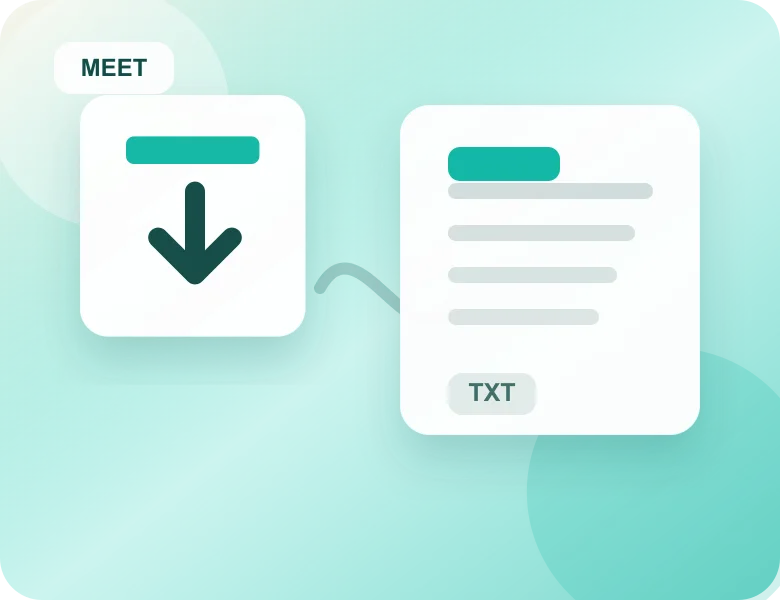
Step 3: Export and Share Notes
After processing, you can copy the structured notes directly to any platform for editing or sharing, or use them immediately. This makes reviewing, distributing, and collaborating on meeting content effortless.
Struggling to Keep Track of Long Meeting Discussions?
Imagine having an intelligent AI assistant that organizes all your meeting recordings into clear, structured notes. Instead of spending hours reviewing videos and scribbling key points, AI Meeting Note Taker automatically highlights decisions, summarizes discussions, and tracks action items. It helps you stay on top of every meeting, quickly grasp essential information, and focus on what truly matters.
Students and learners
Video Transcriber AI helps students turn lectures or online courses into study notes. It makes long lessons easier to review and share with classmates.
Teachers and trainers
Educators can transcribe video to text for lesson plans, handouts, or captions, making learning materials more accessible for every student.
Professionals and teams
Business users can use Video Transcriber AI to capture meetings, Zoom calls, and webinars, ensuring nothing important is lost.
Content creators
YouTubers, podcasters, and video makers can quickly create captions or scripts. Video Transcriber makes it easier to repurpose video into blogs or posts.
Researchers and writers
Academics and writers can save hours by converting interviews or recorded talks into accurate text, ready for analysis or citation.
Journalists and media workers
Reporters can transcribe video interviews or press conferences with Video Transcriber AI, making it easier to publish fast and accurate stories.
Frequently Asked Questions About AI Meeting Note Taker
Can AI Meeting Note Taker handle long meetings or webinars?
Yes, AI Meeting Note Taker is built to process long video recordings, including multi-hour meetings and webinars. The tool automatically summarizes the content into structured notes, highlights important decisions, and organizes action items efficiently. Users can save hours of manual review and instantly get a clear overview of what was discussed, making collaboration more effective.
Does AI Meeting Note Taker identify different speakers in meetings?
Absolutely. AI Meeting Note Taker features speaker recognition, which allows it to label who is speaking in the meeting. This makes it easy to track contributions from different participants, reference specific statements, and ensure clarity when sharing notes with team members. It improves accountability and understanding across the team.
Is AI Meeting Note Taker suitable for international teams?
Definitely. AI Meeting Note Taker includes multi-language translation features that allow meeting notes to be translated into various languages. This makes it easier for teams across different regions to access structured notes in their preferred language, improving collaboration and ensuring all participants stay aligned.
Do I need to install any software to use AI Meeting Note Taker?
No installation is required. AI Meeting Note Taker works entirely online. Users simply upload their meeting videos to the platform, and the AI generates structured notes automatically. This web-based approach saves time, avoids compatibility issues, and allows users to access notes from any device with internet access.
How accurate are the notes generated by AI Meeting Note Taker?
AI Meeting Note Taker is designed to produce highly accurate notes by analyzing speech, identifying speakers, and extracting key points. While the accuracy depends on audio clarity and recording quality, the tool reliably captures decisions, action items, and discussions, giving users clear, organized notes without the need to replay the full meeting.
Can I summarize multiple meeting recordings at the same time?
Yes, AI Meeting Note Taker lets you upload multiple meeting files at once. The AI automatically transcribes and summarizes each video into structured notes, saving time and helping teams quickly review key points and decisions.
Can I edit or use the notes after they are generated by AI Meeting Note Taker?
Yes, notes from AI Meeting Note Taker can be directly copied and used. You can also edit, add comments, or highlight key points as needed to fit your workflow.
Is my data secure when using AI Meeting Note Taker?
AI Meeting Note Taker takes data privacy seriously. All uploaded meeting videos and generated notes are processed securely. The platform follows strict security standards to ensure that user information is protected throughout the process.